
What it looks like
Test data from the app. These are not real duties.
On iPhone
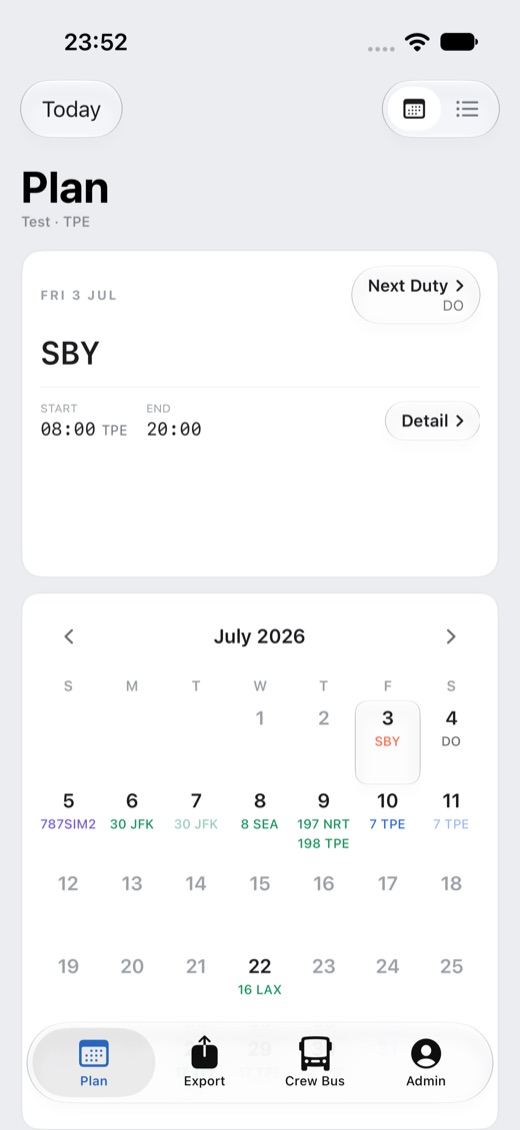
Plan 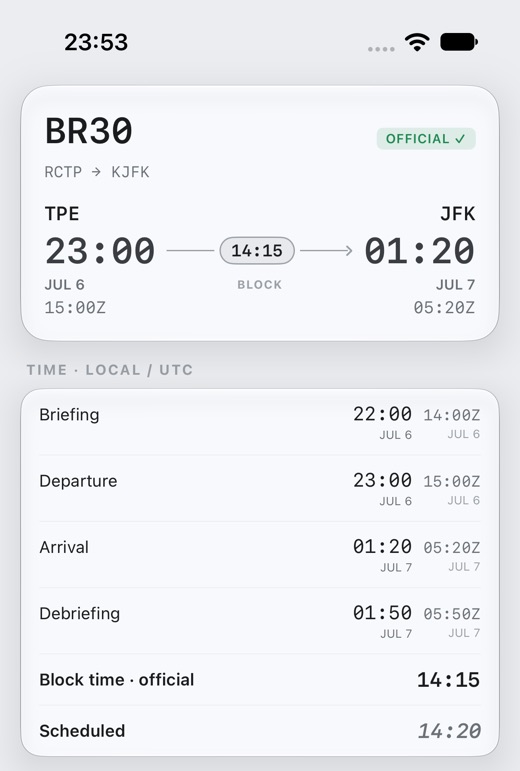
Flight details 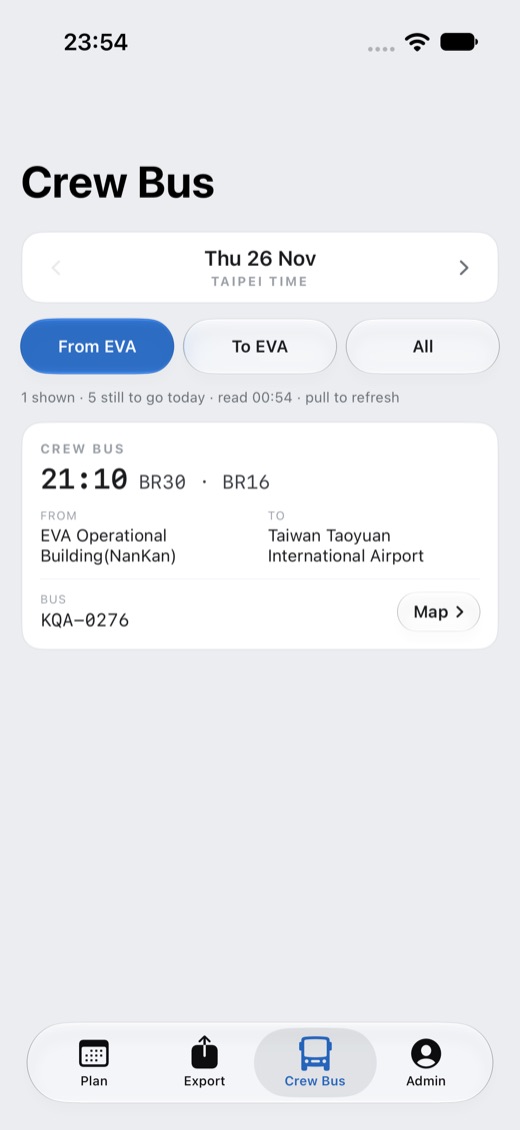
Crew Bus 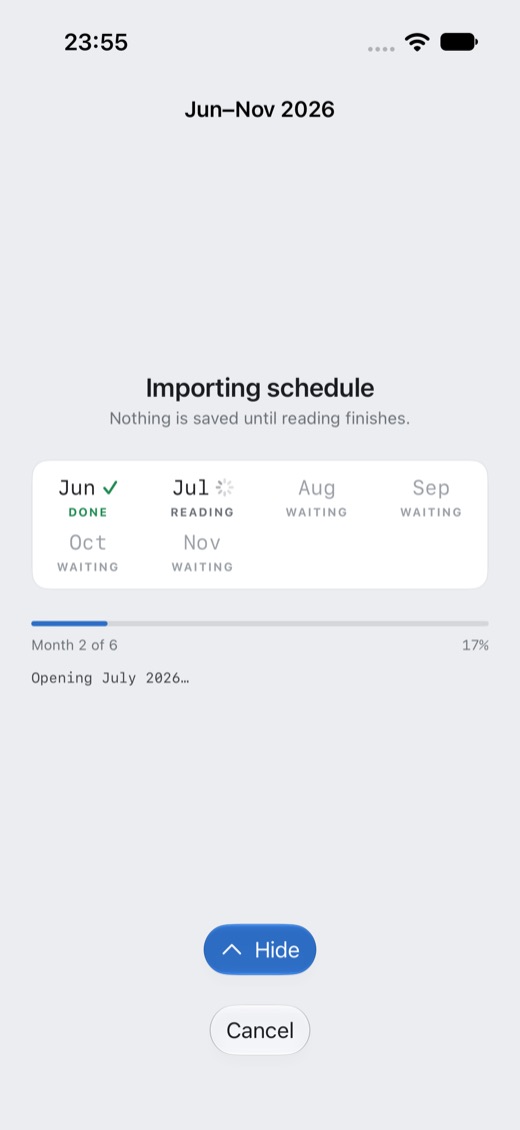
Import 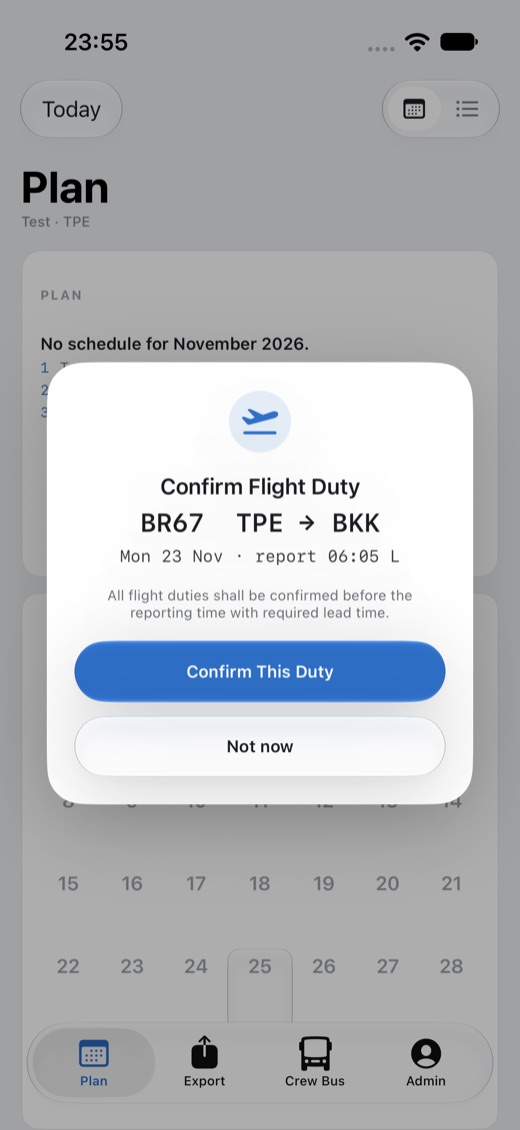
Confirm duty
On Android
Plan 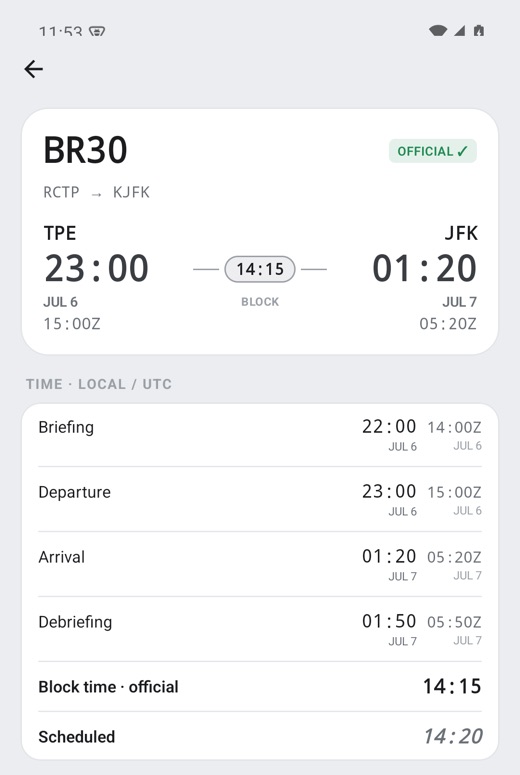
Flight details 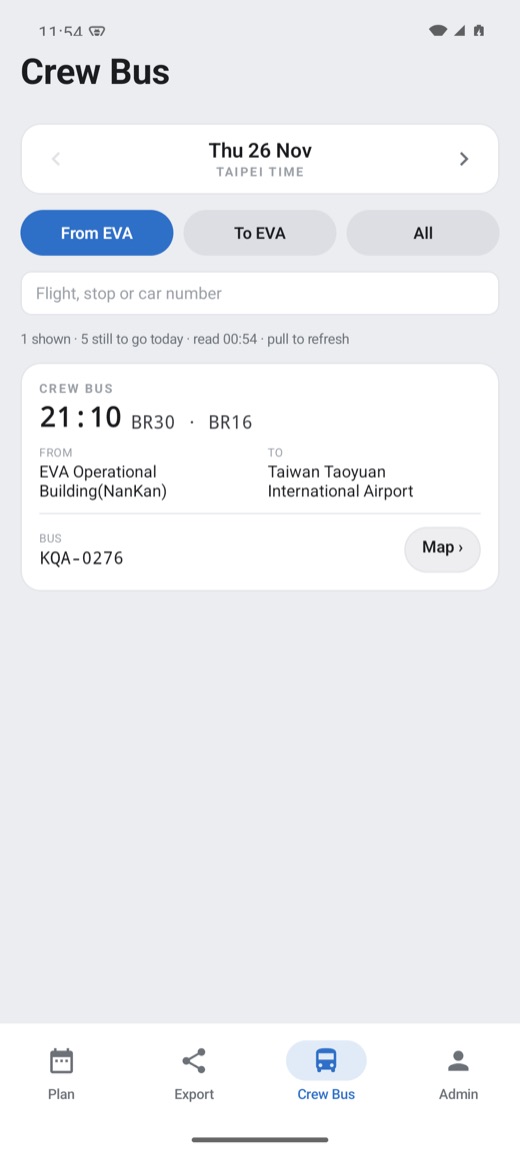
Crew Bus 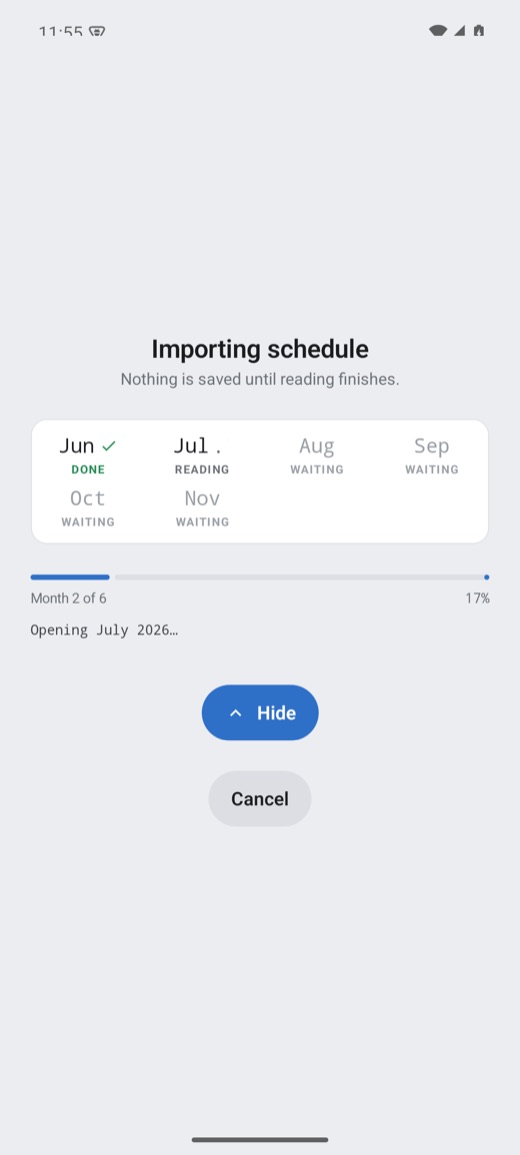
Import 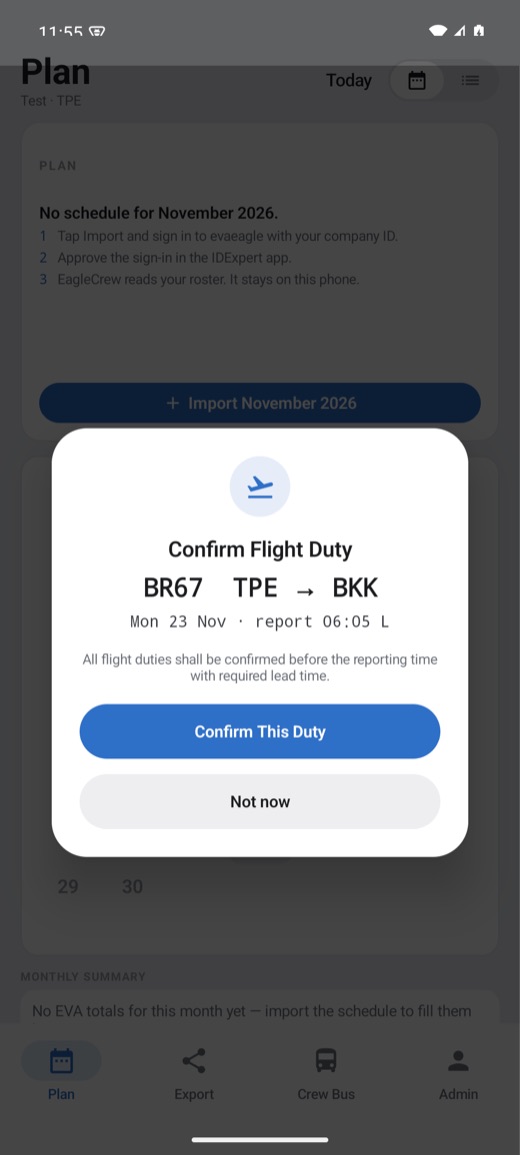
Confirm duty 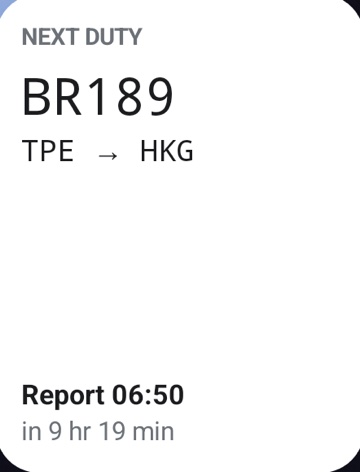
Widget
What it does
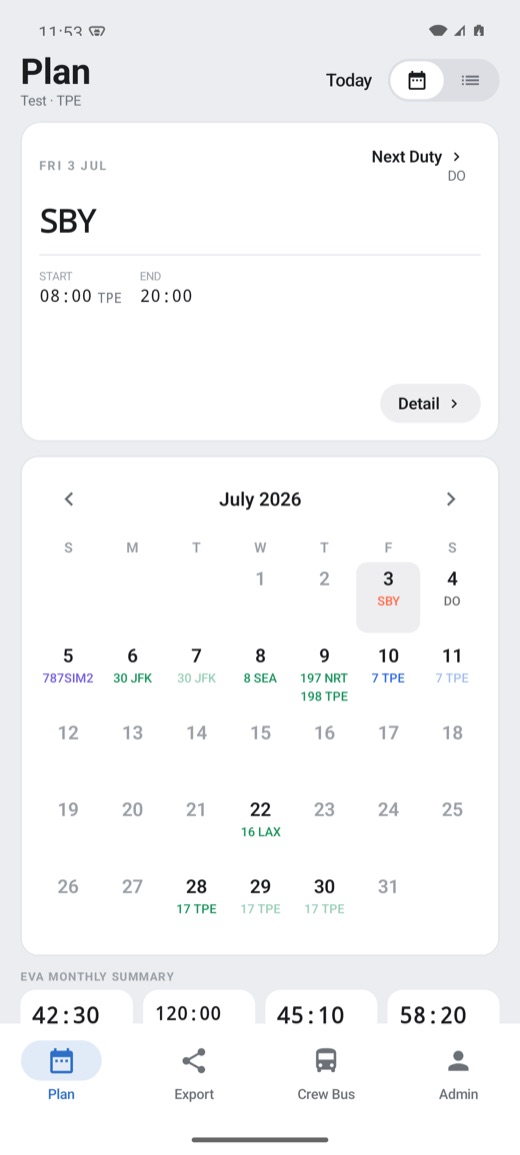
Plan
A month calendar and a card for every duty, with EVA's monthly totals.
Import from evaeagle
Sign in with your company ID and approve in IDExpert. EagleCrew reads your roster.
Flight details
Times in local and UTC, block time, and the crew for each flight.
Calendar export
Apple Calendar or Google Calendar on iPhone. Any calendar on your phone, Google included, on Android. It writes only what changed.
Crew Bus
The day's shuttle timetable, from EVA or to EVA.
Confirm Flight Duty
It shows you the duty. It confirms only when you tap.
Change log
See what each import added, removed or changed.
Home-screen widget
Your next duty and report time, without opening the app.
Install
iPhone
- Install Apple's TestFlight app from the App Store. It is free.
- Tap Get it on TestFlight and accept the invite.
- Tap Install, then open EagleCrew.
Needs iOS 26. TestFlight builds last 90 days. TestFlight tells you when a new one is ready.
Android
- Tap Download for Android. If your browser asks, keep the file. If nothing downloads inside LINE, open this page in Chrome.
- Tap the file when it finishes. Android asks once to allow installs from your browser or LINE. Turn it on, then go back.
- Tap Install, then open EagleCrew.
Needs Android 8 or newer and an up-to-date Android System WebView.
Privacy
- Your evaeagle password is never stored.
- EagleCrew reads only your own pages on evaeagle, and only your own row.
- Your data stays on your phone.
- Nothing is sent anywhere except evaeagle, IDExpert and, if you use Crew Bus, the crew bus server. Exports go only to the calendar you pick.
- The Crew Bus password is kept only while the app runs, unless you choose to save it. A saved one stays on this phone and is deleted the moment the server rejects it.
- Crew names and company IDs appear only in your own calendar events, on the flights they crew.